Today’s product (reference)
Screens v2 is modeled on. More in ref-screens/README.md and proto-v2-shots/ in the project folder.
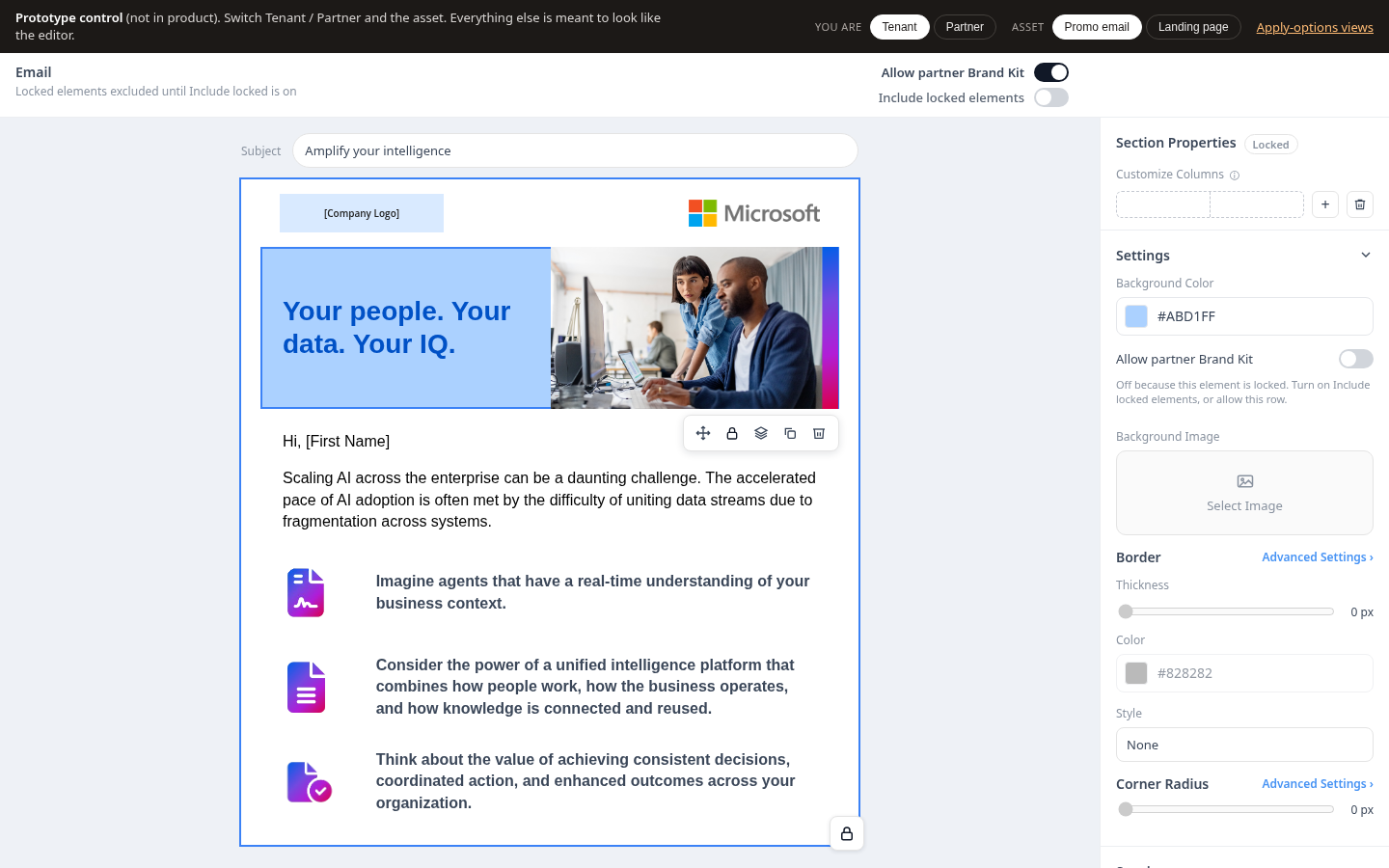
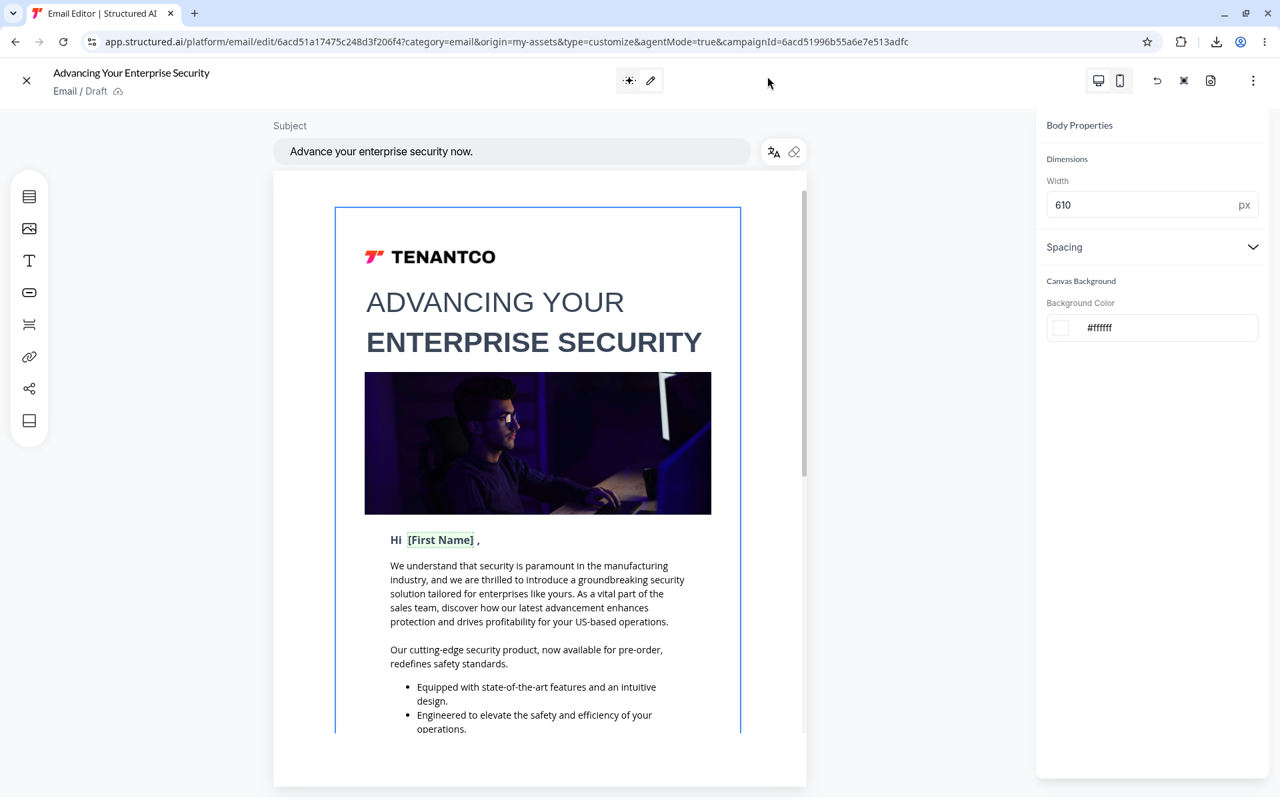
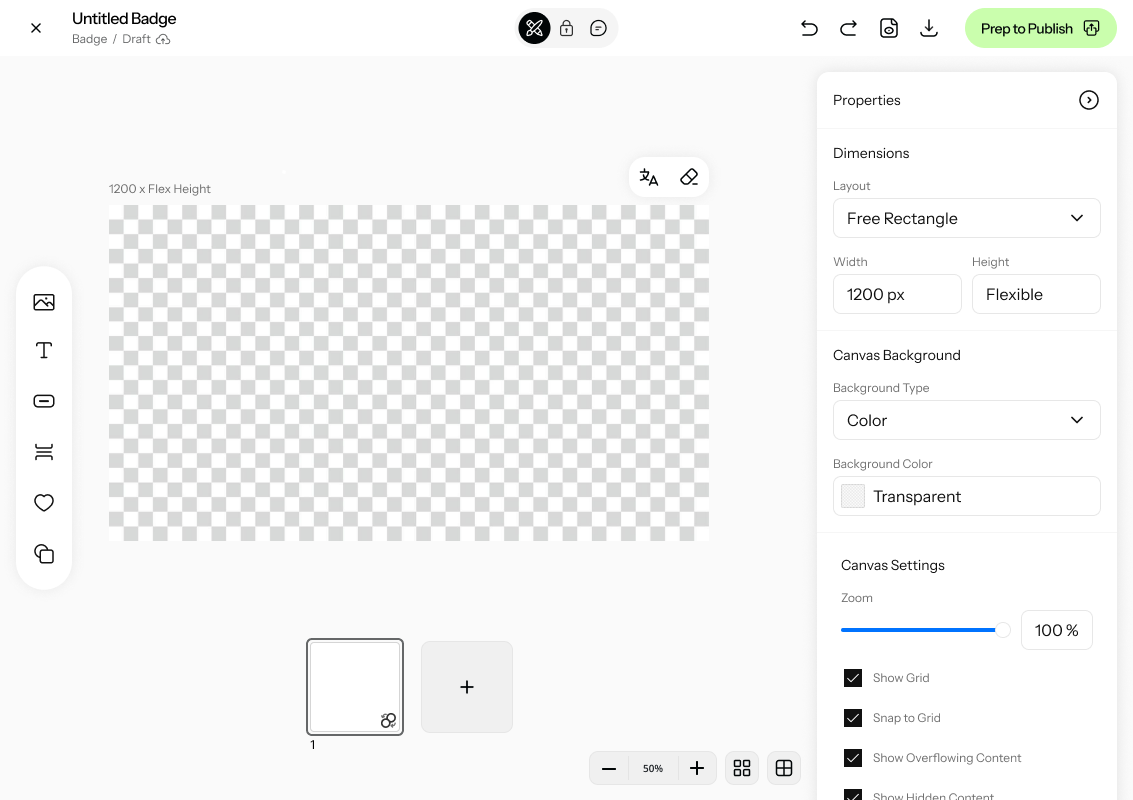
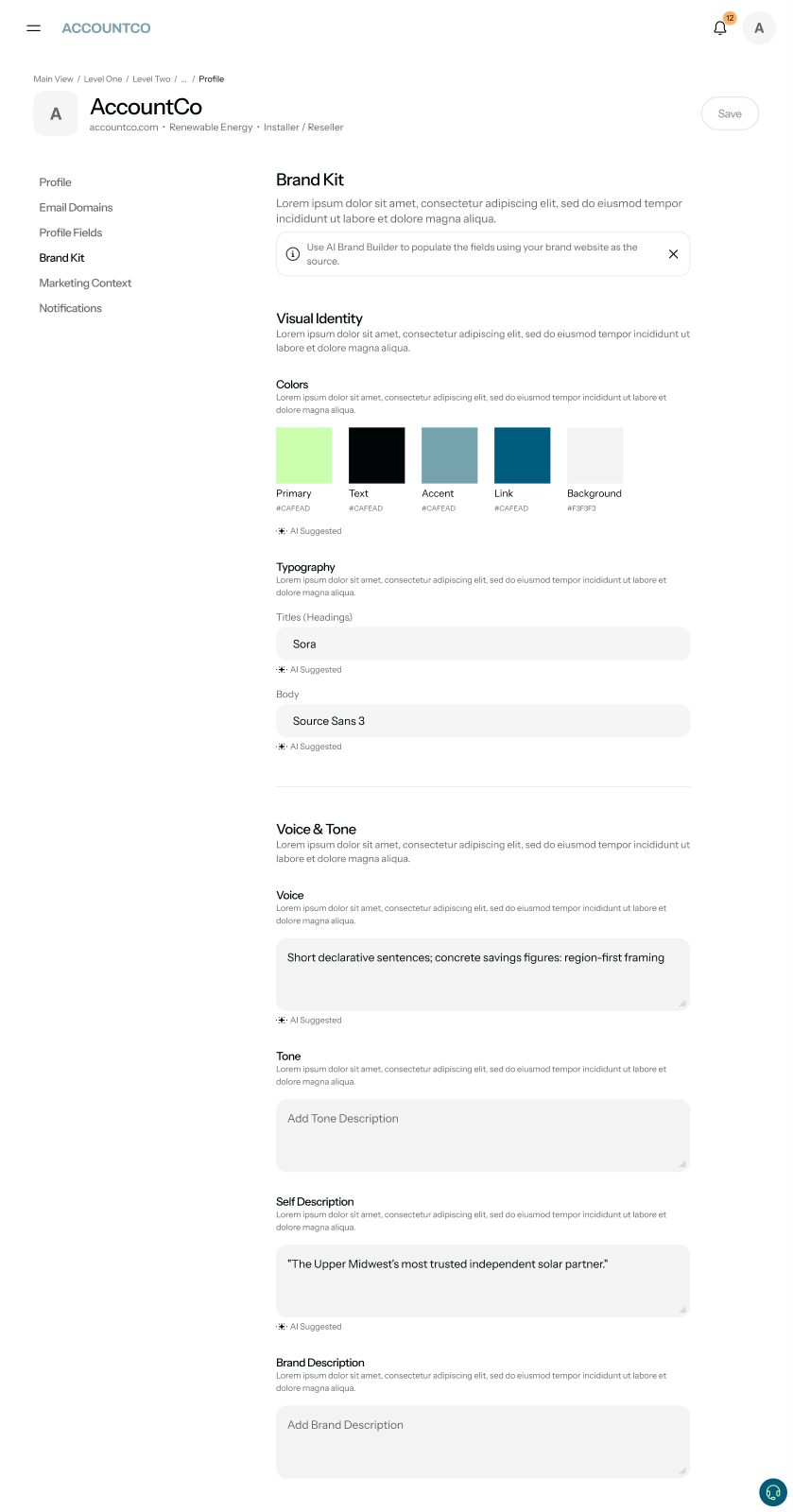
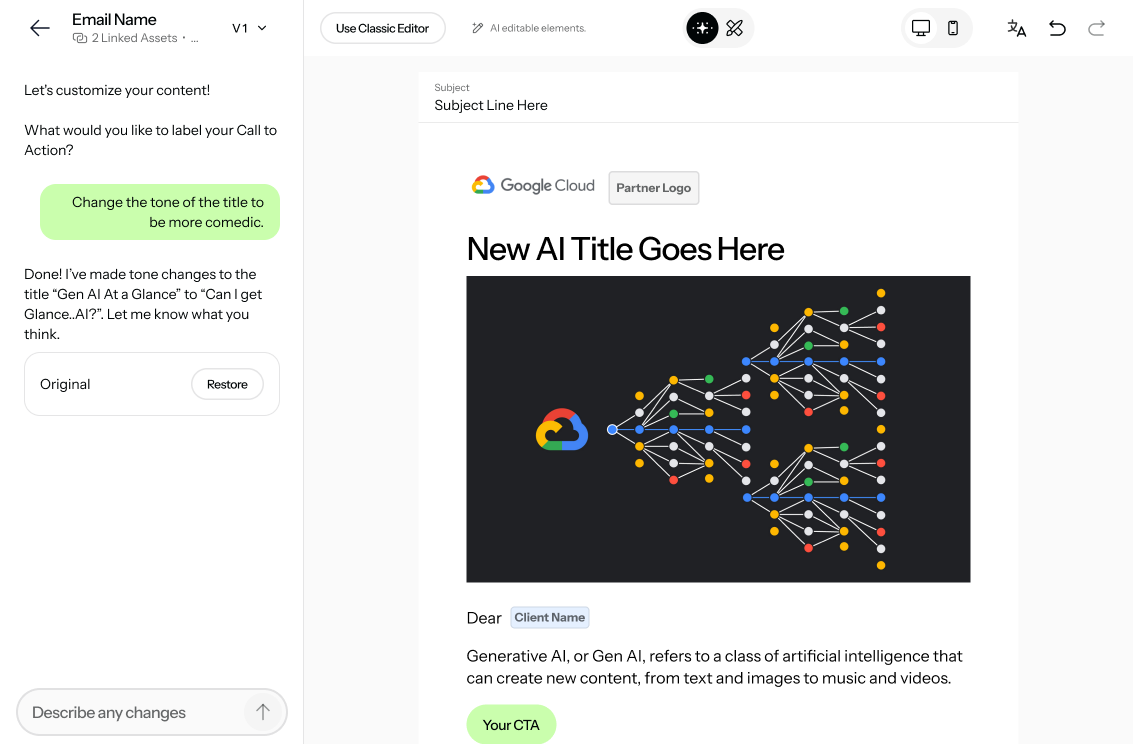
Aligned to the two PRD drafts (Oct 19). The tenant gets a Brand Kit with five colors (Primary, Text, Accent, Link, Background) in Content branding, next to Portal branding. Every editor color picker shows those five swatches plus a hex input. When an account applies their Brand Kit, Primary, Text, Accent and Link swap for the account’s color in the same slot; Background stays the tenant’s in V1. Copies accounts already saved never change. Typed hex colors never change. Per section, the tenant only chooses Allow on or off.
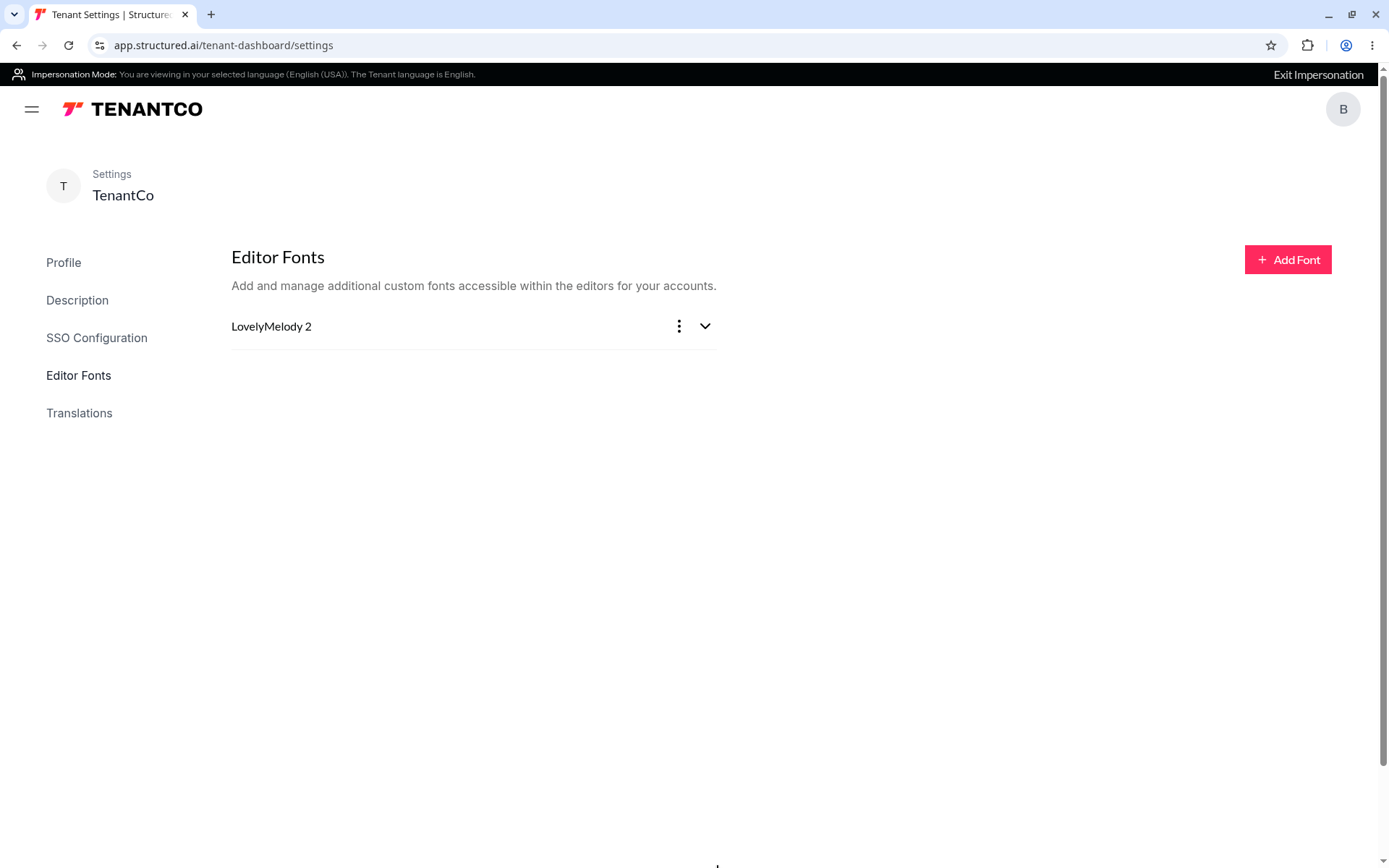
Per the partner PRD: account fonts come with Apply on landing pages, custom docs and banners (family only, closest weight; catalog match, else serif/sans, script-safe fallback). Email fonts are out. No separate font Undo. Tenant Brand Kit fonts are later. The notes below are from v1.
Possible later step: the account user’s bar gets Apply your brand fonts, or fonts join the same Apply with a preview. Not decided.
Screens v2 is modeled on. More in ref-screens/README.md and proto-v2-shots/ in the project folder.
We’ll apply your Brand Kit colors now. Do you want us to do this automatically for the next emails, landing pages and docs you open? You can always undo.
This will update all your assets and published campaigns that use this color. Partner copies already saved won't change.